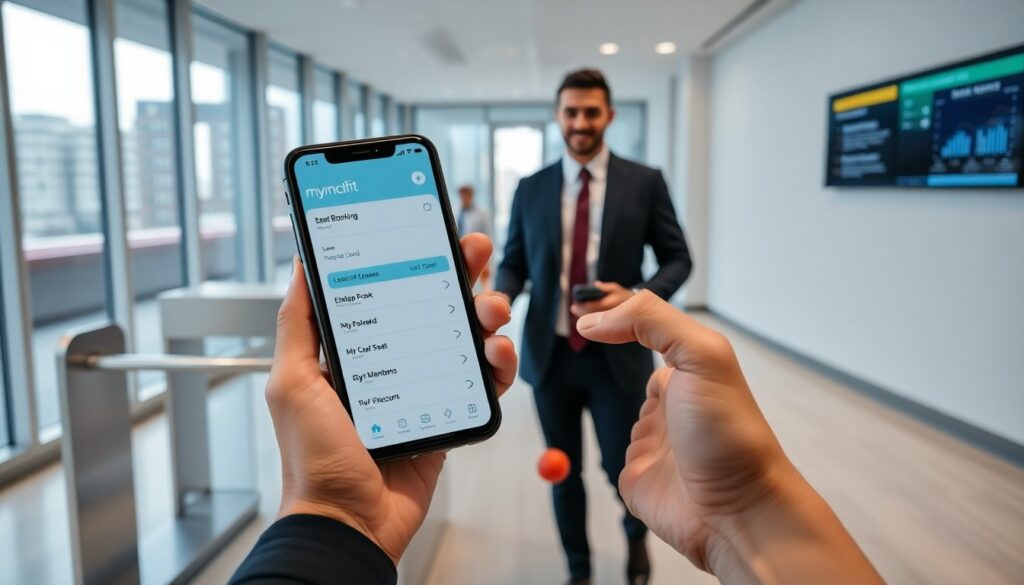

mymcfit helps users book classes, open doors, and track progress from a phone. The app connects a member account to club access and class schedules. This guide explains how it works, how to set up an account, and how to use features that save time and improve workouts.
Table of Contents
ToggleKey Takeaways
- MyMcFit connects your membership to gym access, class booking, and progress tracking all in one app.
- Creating and securing a MyMcFit account involves email verification, two-factor authentication, and managing linked devices for safety.
- You can book classes, join waitlists, cancel reservations, and use a digital membership card for easy gym entry.
- The app offers various membership tiers with real-time pricing, discounts, promotions, and straightforward cancellation policies.
- MyMcFit supports workout plans with video guides, progress tracking, and offline access for training flexibility.
- To optimize use, reserve popular classes early, keep the app updated, and manage privacy settings to control your data.
What MyMcFit Is And How It Works
MyMcFit is a mobile app and web portal for members of McFit gyms. It links a user account to membership details, class timetables, and door access. The app shows live class availability and lets users reserve a spot. It also stores a digital membership card that opens club turnstiles. The app syncs with club systems in real time, so schedules and capacity update quickly. It sends push notifications for booking confirmations, cancellations, and special offers. Users can link a payment method for add-ons, and the app logs visit history for quick review.
Create, Manage, And Secure Your MyMcFit Account
Users create a mymcfit account with an email, a secure password, and a membership number. They verify email to activate the account. The app asks for basic profile details to display membership status. Members add a payment method for optional purchases. They set two-factor authentication for extra security. Users review linked devices and remove any they do not recognize. The app offers a logout option and a session timeout for safety. If a user loses access, customer support can reset credentials after identity checks. The account settings page shows current membership, renewal date, and billing history.
Booking Classes, Gym Access, And Digital Services
The booking screen lists classes by date, time, and remaining spots. Users select a class and confirm to reserve a slot. The app shows waitlist positions when classes fill. Users cancel bookings from the same page to free space. For gym access, the app displays a QR code or NFC token the turnstile accepts. Staff can scan the digital card when needed. Digital services include on-demand workouts, video tutorials, and live streams. Users download or stream content from the app. Some clubs offer personal training bookings that users schedule directly in the app.
Membership Options, Pricing, And How To Find Discounts
MyMcFit lists membership tiers with monthly or annual billing. Standard tiers offer unlimited access during core hours. Premium tiers add 24/7 entry and class bundles. The app shows current prices for the selected country and club. Users compare tiers on the membership page before they subscribe. To find discounts, users check the promotions tab and local club announcements. Students and long-term contracts often receive lower rates. The app sometimes offers seasonal promotions and referral credits. Users can apply a promo code during signup or in the billing section to reduce the first invoice. They verify cancellation terms before they commit.
Using The App For Workouts, Plans, And Progress Tracking
The app offers structured workout plans and single-session routines. Users choose a plan by goal, such as strength or endurance. The app presents exercises with short video clips and step counts. Users follow a session and mark sets and reps as complete. The app logs workouts and updates a progress page automatically. Users track weight, body metrics, and workout frequency in the profile. The app displays simple charts for trends over weeks. It recommends program adjustments when progress stalls. Users export workout logs for personal records or to share with a trainer. The offline mode caches selected videos and plans for gym areas with weak signals.
Troubleshooting, Privacy Settings, And Expert Tips
If the app fails to connect, users restart the device and retry the app. They check for app updates in the device store and install them. If a QR code does not scan, users refresh the code in the app and try again. For account lockouts, users follow the password reset flow or contact support. Privacy settings let users control data sharing and notifications. They limit location access and turn off analytics if they prefer. The app states what data it collects and why, and users view that policy from the settings menu. Expert tips: reserve classes early for popular times, clear bookings when plans change, and use the digital card instead of a physical token. Users set calendar sync to avoid double bookings. They keep the app updated to receive security fixes and new features.